
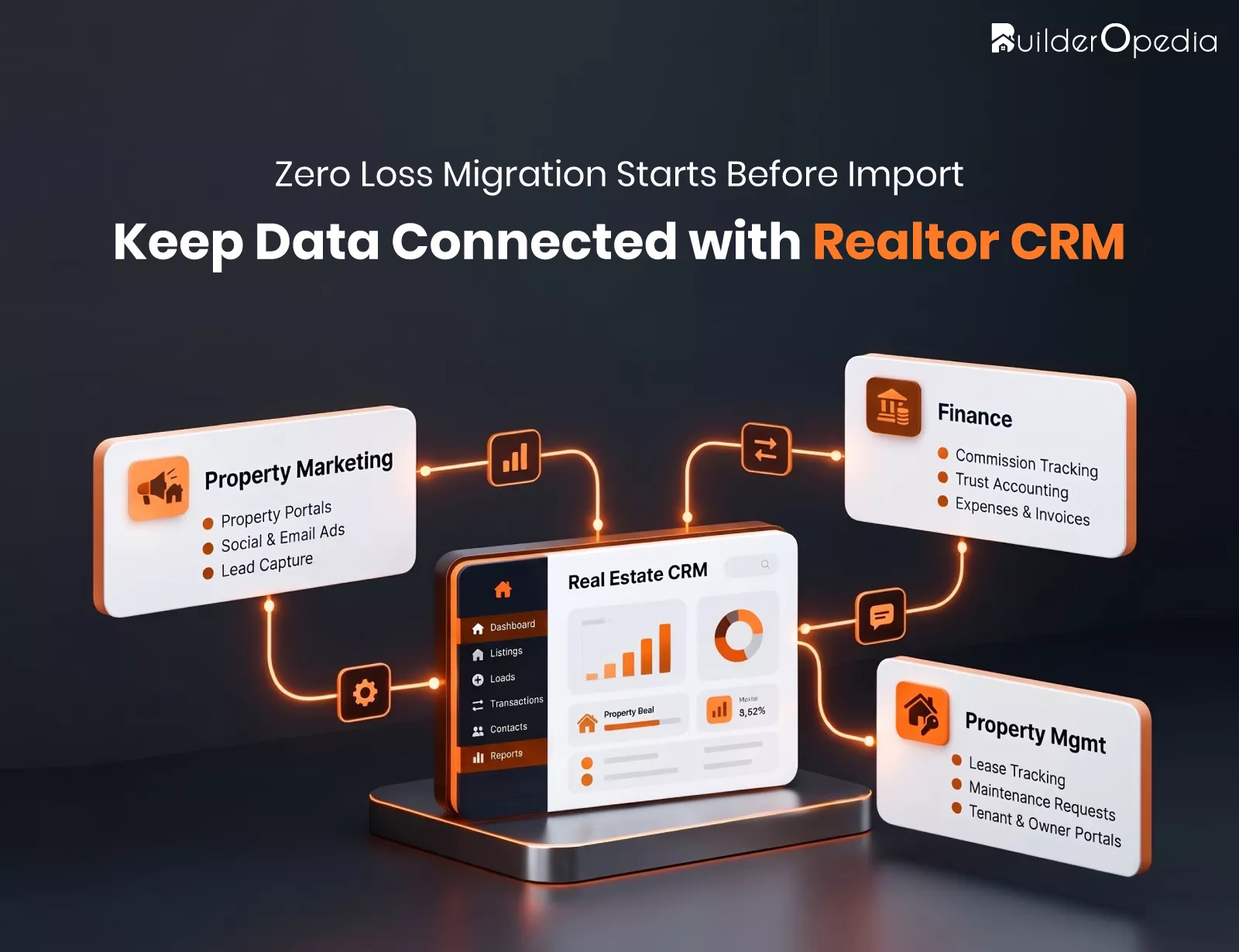
A developer has buyer enquiries in spreadsheets, customer details in an older CRM, inventory in a separate tool, and site-visit notes in WhatsApp chats. The team wants a real estate CRM platform that can organize everything and help prioritize leads with AI.
The risk is not just losing phone numbers. A buyer’s link to a project, a salesperson, a visit, and a follow-up can break quietly. “Without any loss” is best treated as the goal of a planned migration, not a guarantee, and this guide shows how to get close and prove it.
What Needs to Move with Your Data
These are the categories that you should first inventory prior to exporting anything:
- Contacts: leads, contacts, and customers.
- Enquiry context: sources, campaigns, and portal.
- Preferences: budget, location, and property type.
- Properties: projects, towers, units, and status of inventory.
- Activity: notes, tasks, calls, and site visit.
- Opportunity: open opportunities and their status.
- Supporting documents: files and messages wherever export is allowed in your system.
- Record Identifiers: record ID and relationship among records.
Not every legacy system stores all of this or lets you export it. Set the scope based on business need, source limits, and what the destination supports.
If your old system also tracked rentals, maintenance, or owner accounts, treat that as property management CRM data. Decide early whether it moves now or in a later phase, so it does not slow the sales migration.
Clean Before You Copy
Migrating old data without reviewing it will bring all the mistakes into the new database. First, you should distinguish live customers from inactive, and assign an identification number to every old record.
| Data issue | Possible consequence | Recommended action |
|---|---|---|
| Duplicate buyers | Two salespeople chase one buyer | Merge using phone, email, and name rules |
| Mixed phone formats | Failed calls and missed matches | Standardize to one format |
| Inconsistent dates | Wrong follow-up timing | Convert to a single date format |
| Vague property names | Enquiries attach to wrong projects | Map to a master project list |
| Outdated records | Noise that distorts reports | Archive inactive prospects |
Lead Sources Require Special Attention. Lead source reports from any property leads management tool can be as good as their sources, hence combining “99acres”, “99 Acres”, and “portal” into an agreed list.
In addition, all old fields need to be mapped to new destination fields with approval from the sales manager.
Keep Buyers Connected to Their Enquiries
Imagine a client who had enquired about two housing schemes, made one site visit, and had three phone follow-ups. When the legacy data is brought across only with the contacts, what you will see is a name and a number – no history at all. And a good CRM for property sales is useless without the history behind it.
To avoid losing your valuable information, import the legacy data in an organized manner: start from clients and housing schemes, then move on to queries, visits, and activities.
Salesforce’s Data Loader documentation explains one common method. An upsert matches on an external ID or a record ID, and related records can be matched through the external ID of the parent. Other platforms handle relationships differently, so confirm the method with your vendor.
Test the Move Before the Real Transfer
A staged approach lowers risk:
- Back up the source and document recovery: CISA describes a backup as a secure copy stored separately and advises testing that your team can restore it.
- Approve the field mapping
- Run a small test migration in a test area of the new real estate CRM platform, never in live data first.
- Check counts, sample records, field values, and relationships
- Review failed imports and fix the mapping.
- Repeat until key workflows behave as expected.
Matching totals alone does not prove accuracy. Ten thousand records can arrive with the wrong budgets attached.
Handle Exceptions Calmly
There could be some records that might not go through the process; some reasons why this could happen include having missing data, invalid dates, or duplicates.
- It is imperative to always keep the list of errors provided by your import software. For example, Data Loader has a success and an error file.
- Fix the problem and re-import the failed records.
- Do not delete any record unless you know the reason why.
Validation Checks That Prove the Transfer
Use a table like this during every test run and again after cutover.
| Validation check | What to compare | Why it matters |
|---|---|---|
| Record counts | Source versus destination totals | Reveals missing or unexpected records |
| Field accuracy | Names, phones, budgets, dates | Catches truncated or wrong values |
| Duplicate records | Matching buyers or enquiries | Prevents fragmented histories |
| Relationships | Buyers, projects, visits, activities | Keeps the sales history connected |
| Workflow results | Assignment, reminders, follow-ups | Confirms daily operations still work |
| Exceptions | Failed and skipped imports | Lists items needing correction |
No single automated check covers every data type. Combine counts, sampling, and review by the people who use the data daily.
Preparing Your Real Estate CRM Platform for AI-Assisted Work
The AI characteristics depend on the quality of the data that lies beneath them. Simply importing records will not make them accurate, nor will it improve lead scoring.
Some things to consider before depending on AI advice to guide your sales decisions:
- Data for customers and properties is accurate and completed fully.
- The sources of leads and the stages of sales use the same values.
- Each record has its owner.
- Confidential information of the customer is kept safe.
- Historical information is accurate enough to be used for scoring.
- The results from AI were tested against real results.
Plan the Cutover Around Live Enquiries
Sales never pause, so plan the switch to the new real estate CRM platform carefully:
- Select migration time windows, preferably during off hours.
- Set date on when no more entries can be made in the existing system.
- Copy updates made since first data extraction.
- Validate data counts and exceptions.
- Provide training to the salespeople in the real estate sales CRM before accessing.
- Maintain the ability to restore controlled environment until new system validation.
Picture an enquiry arriving from a portal on cutover night. Decide in advance whether it lands in the old system or the new one, and who moves it across. A clear rule, backed by smart enquiry handling, keeps that buyer from vanishing.
Verify Again After Go-Live
This is only the halfway point. The first week will involve:
- Comparing final figures to the source.
- Testing recent purchasers, visits, and contacts.
- Comparing totals in the sales pipeline between the two reports.
- Maintaining the old report system as read-only until approval is given.
Pre-Approval Checklist
Before signing off, confirm that:
- Source data inventory is complete.
- Backup and recovery plan is complete.
- Field mapping is approved.
- Duplicate and quality check is complete.
- Record relationships are tested.
- Sample migration is validated.
- Exception handling is complete.
- User access is complete.
- AI-enabled workflows are validated where applicable.
- Final reconciliation and business sign-off is complete.
Conclusion
Careful preparation, a staged test, and honest validation are what protect your records. Software alone cannot guarantee zero loss, but a disciplined process makes problems visible and fixable. Choosing the right real estate CRM platform matters less than migrating into it with clean, connected data.
Assess your existing data, document your migration needs, and evaluate a CRM that fits your sales and property workflows. Whether you are comparing CRM software for real estate agents or a developer-focused system, a suitable real estate CRM solution should support the process you have just mapped.
FAQs
1. How can real estate firms avoid losing their data during the process of transferring to a CRM?
Back up the source database, cleanse and map the data, perform test transfers and reconcile the data after this process. Store legacy IDs in order to track down each record and repair any failures.
2. What kind of records should be migrated to a new CRM?
Current leads, contacts, enquiries, inventory, follow-ups, site visits and opportunities. Archive any inactive records to a different location, if there is no need to keep them in the CRM due to regulatory reasons.
3. How can one make sure that properties and customers stay connected?
Open some buyer accounts and check that their inquiries, projects, visits, and activities are properly reflected there. Compare IDs of legacy systems and have salespeople review the records familiar to them.
4. Will AI work well with migrated legacy data?
Sure, but only if the data is good enough for that. Compare AI outputs against known results and do not expect AI to give correct scores based on legacy data out of the box.
5. What should a real estate firm do if their records aren’t imported?
Check out the error log and find the problem then re-import these records. Maintain an exception log and have it signed off by the owner.
For more insights, updates, and expert tips, follow us on LinkedIn.